Resume Examples & Templates (2026)
Free, professional resume examples with ATS-friendly keywords, in-demand skills, and real salary data. Select an industry to browse templates.
⚙️ Engineering Resume Templates
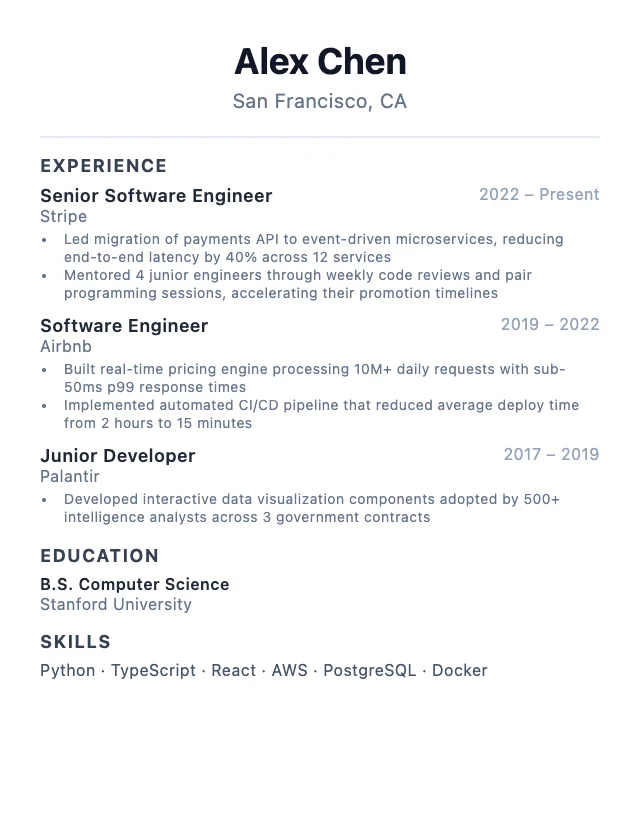
Software Engineer Resume Template
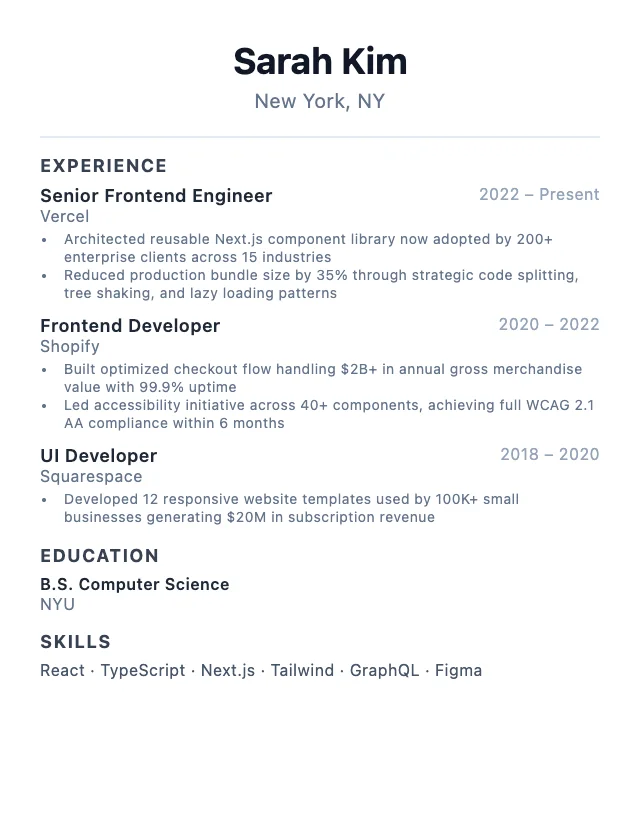
Frontend Developer Resume Template
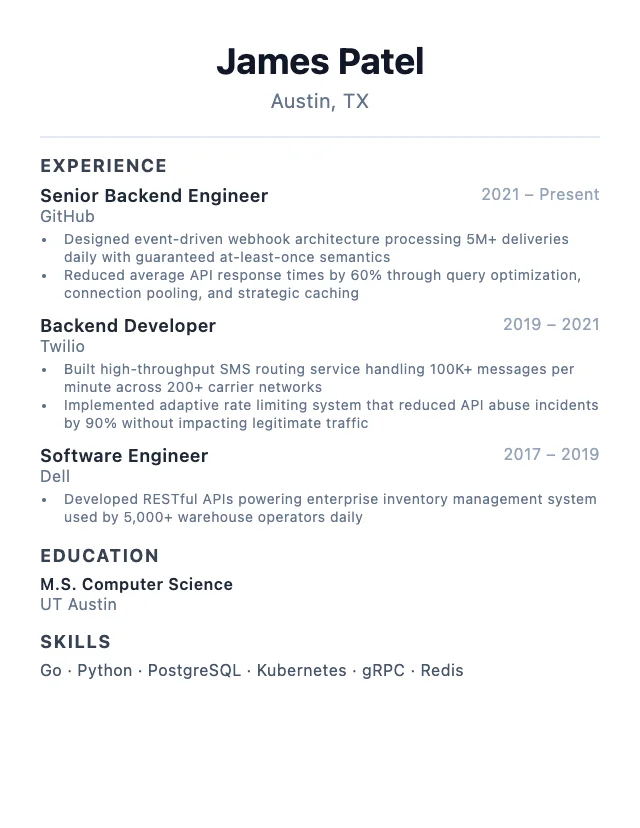
Backend Developer Resume Template
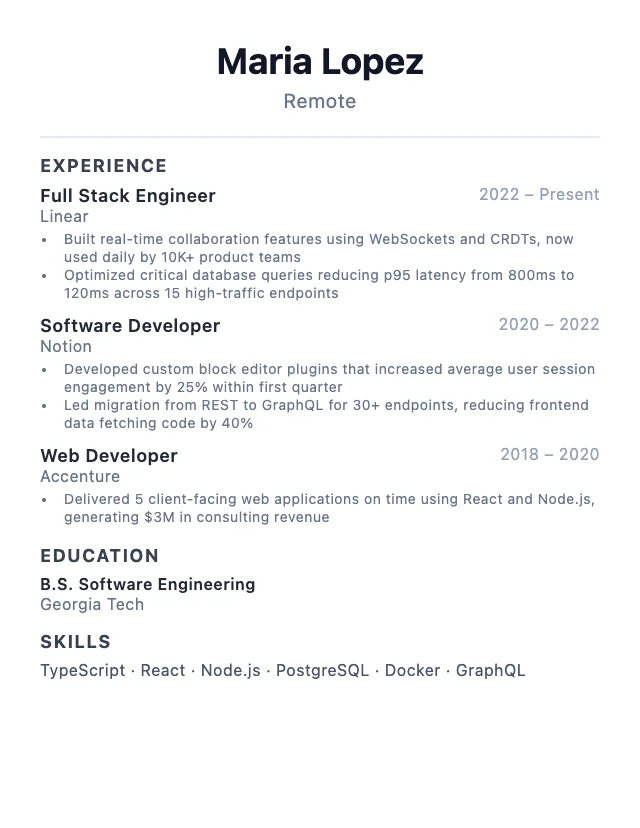
Full Stack Developer Resume Template
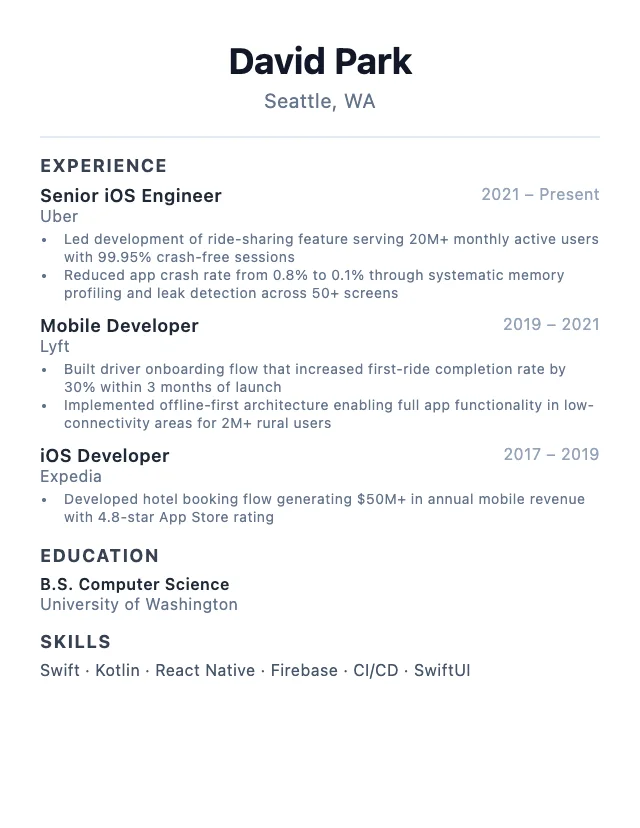
Mobile Developer Resume Template
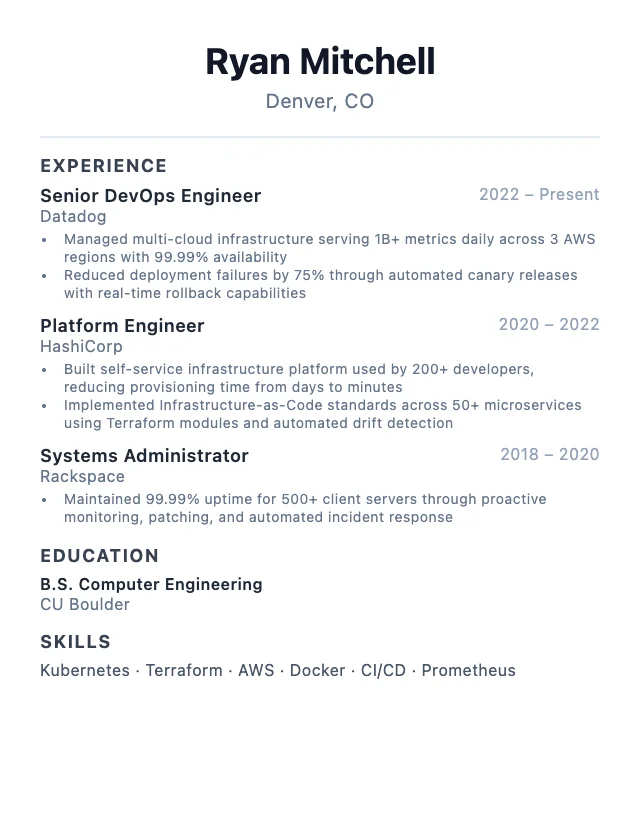
DevOps Engineer Resume Template
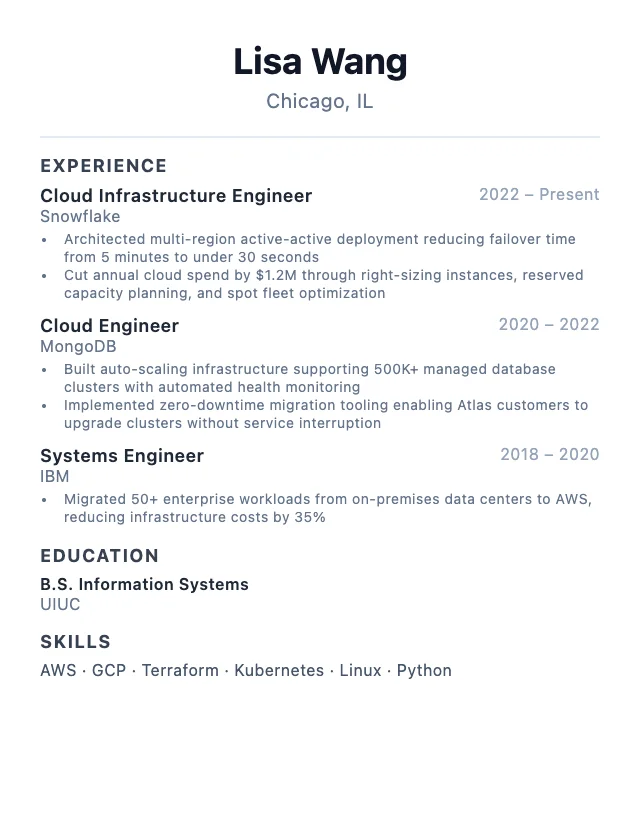
Cloud Engineer Resume Template
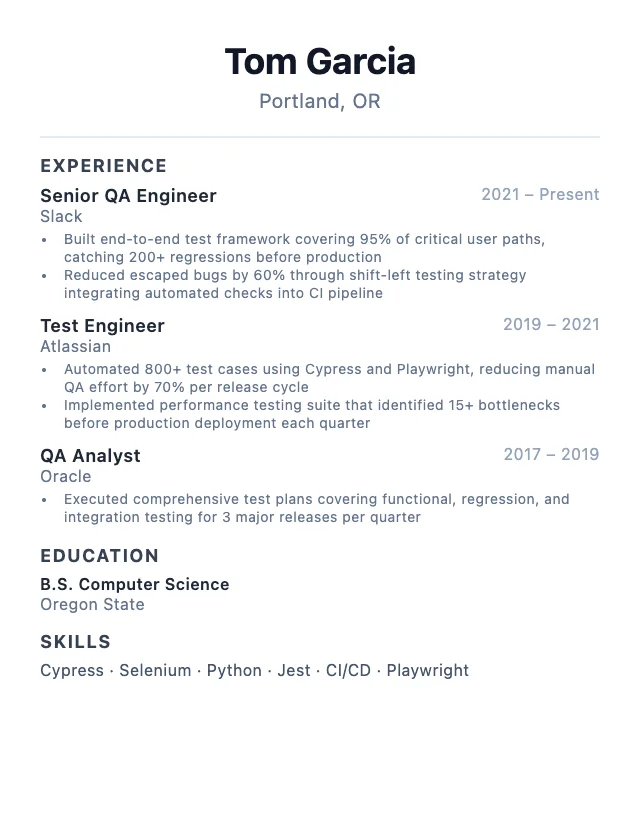
QA Engineer Resume Template
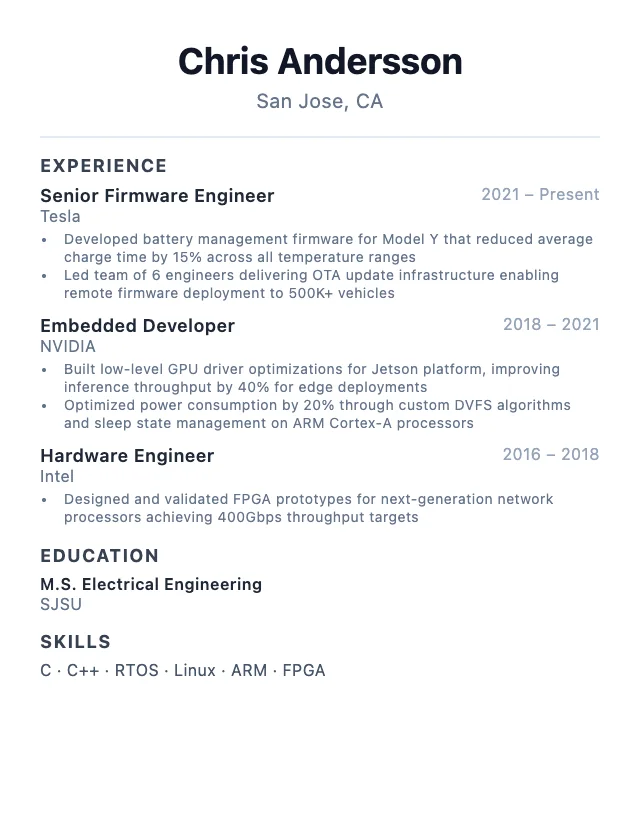
Embedded Engineer Resume Template
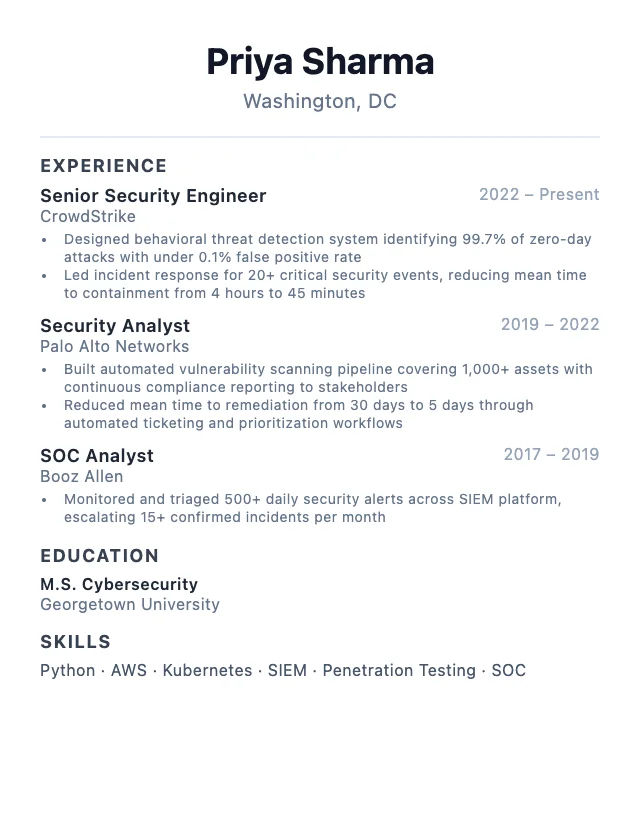
Security Engineer Resume Template
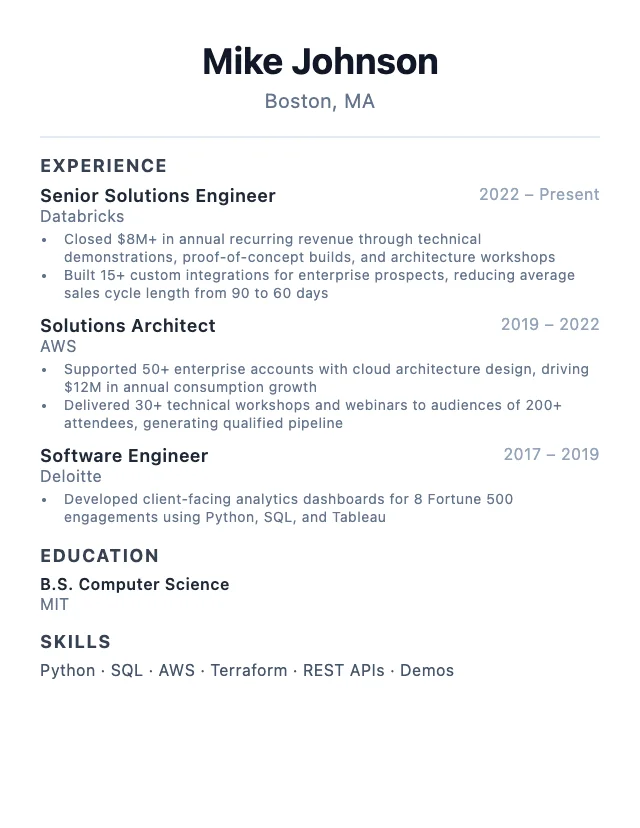
Solutions Engineer Resume Template
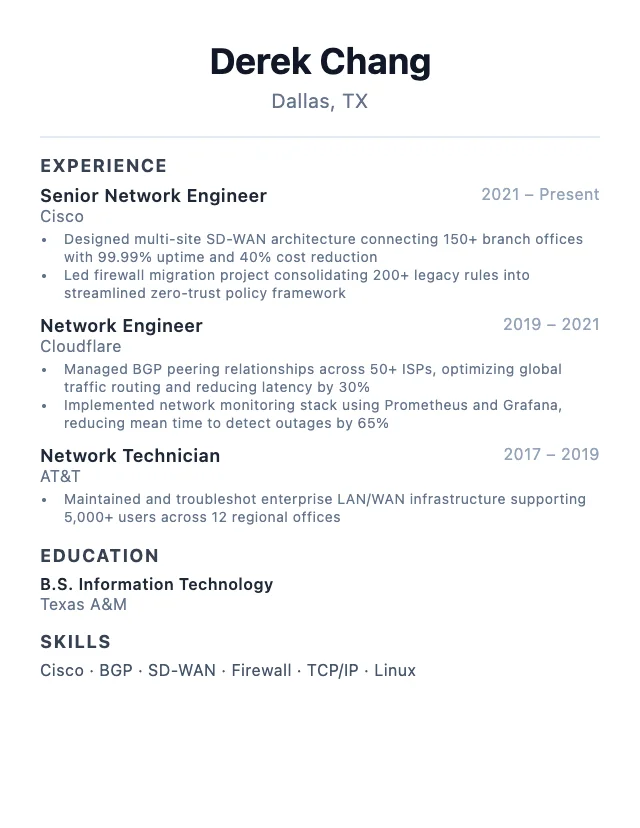
Network Engineer Resume Template
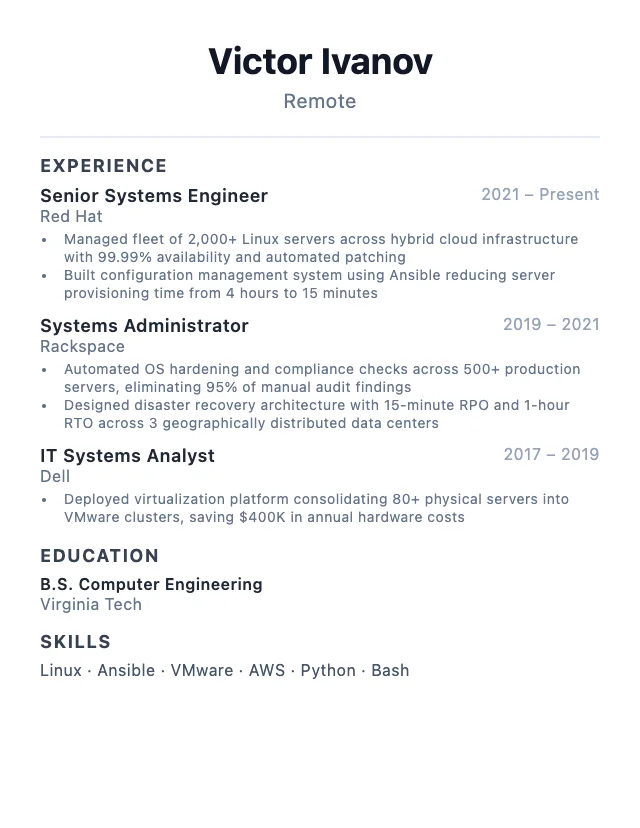
Systems Engineer Resume Template
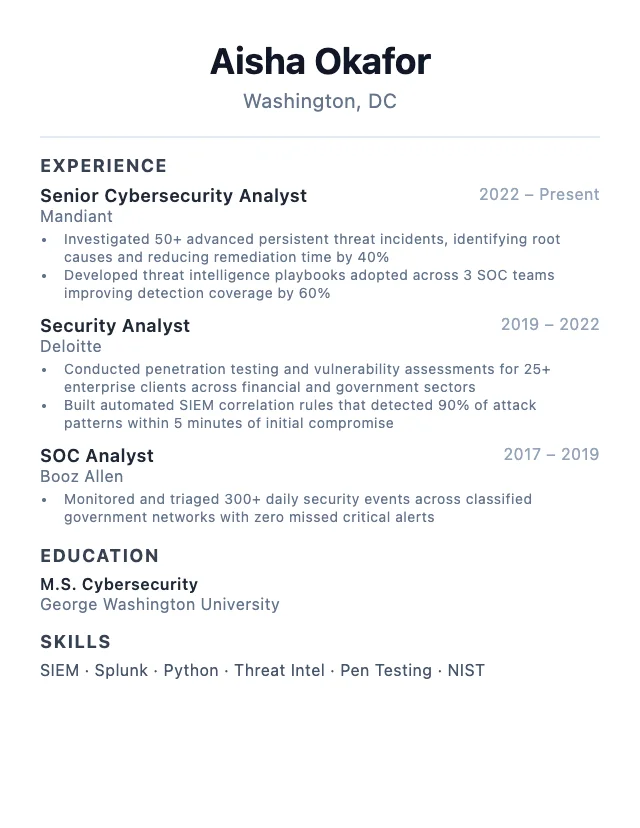
Cybersecurity Analyst Resume Template
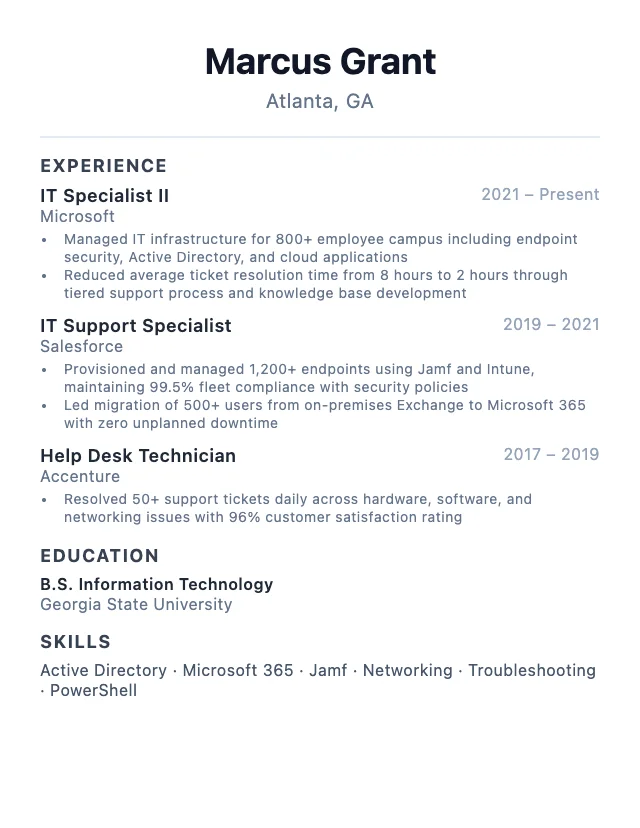
IT Specialist Resume Template
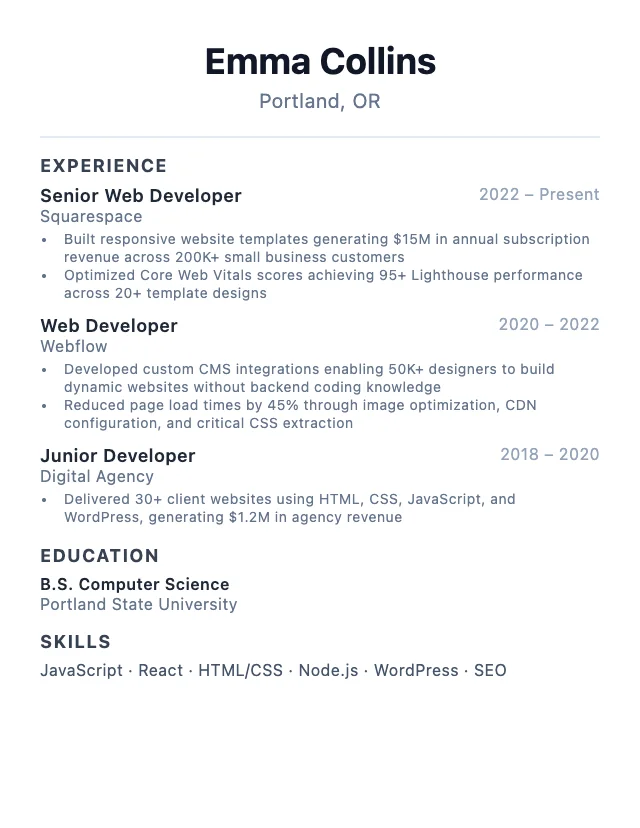
Web Developer Resume Template
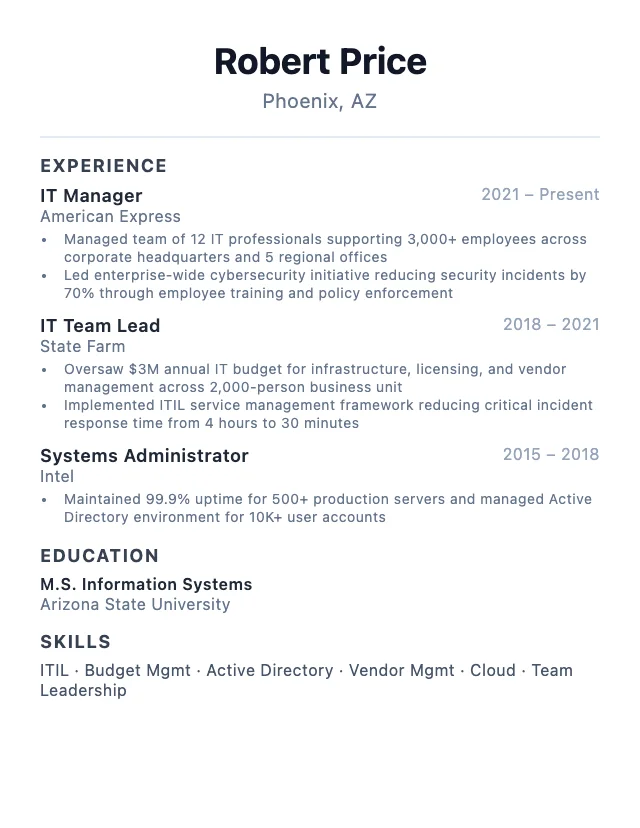
IT Manager Resume Template
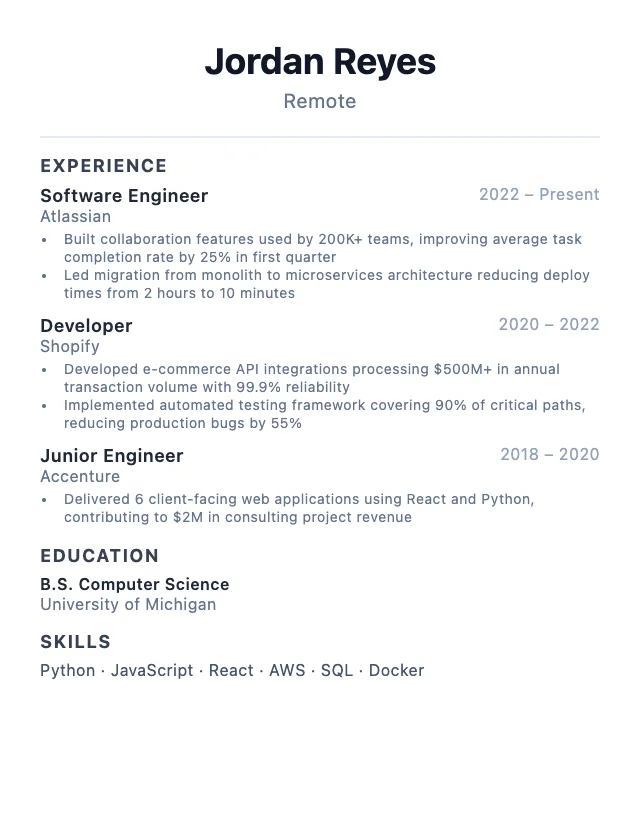
Tech Professional Resume Template
Frequently Asked Questions
What is a resume example?
A resume example is a pre-written, professionally formatted resume for a specific role. It shows the layout, sections, skills, and keywords that hiring managers and ATS systems expect. Use it as a starting point and customize it with your own experience.
Are these resume templates ATS-friendly?
Yes. Every template uses a clean, single-column layout with standard section headings that Applicant Tracking Systems can parse. There are no tables, images, or headers/footers that would confuse ATS software.
How do I choose the right resume template for my role?
Select your industry from the dropdown above, then pick the role that matches your target job. Each template includes the most in-demand skills and keywords based on real job listing data, so your resume aligns with what employers are looking for.
Can I use these templates in Google Docs or Word?
Yes. Build your resume in CareerPair's online editor, then export it as a PDF. The clean formatting stays intact across Google Docs, Microsoft Word, and PDF viewers.
How often are the resume examples updated?
Resume examples are updated regularly based on current job market data. Skills, keywords, and salary figures are refreshed from active job listings to ensure your resume stays relevant.